> ## Documentation Index
> Fetch the complete documentation index at: https://docs.qfex.com/llms.txt
> Use this file to discover all available pages before exploring further.

# Introduction

QFEX provides a unified interface for trading and market data via:

* **CLI**: JSON-only command-line access for human operators and AI agents.
* **WebSocket**: Low latency, real-time market data and order entry.

If you want to integrate QFEX into an agentic trading workflow without managing WebSocket connections directly, use the [QFEX CLI](/api-reference/cli).

## Authentication & API Keys

All API calls must be authenticated with an **API Key**. You can create and manage your keys from your QFEX dashboard:

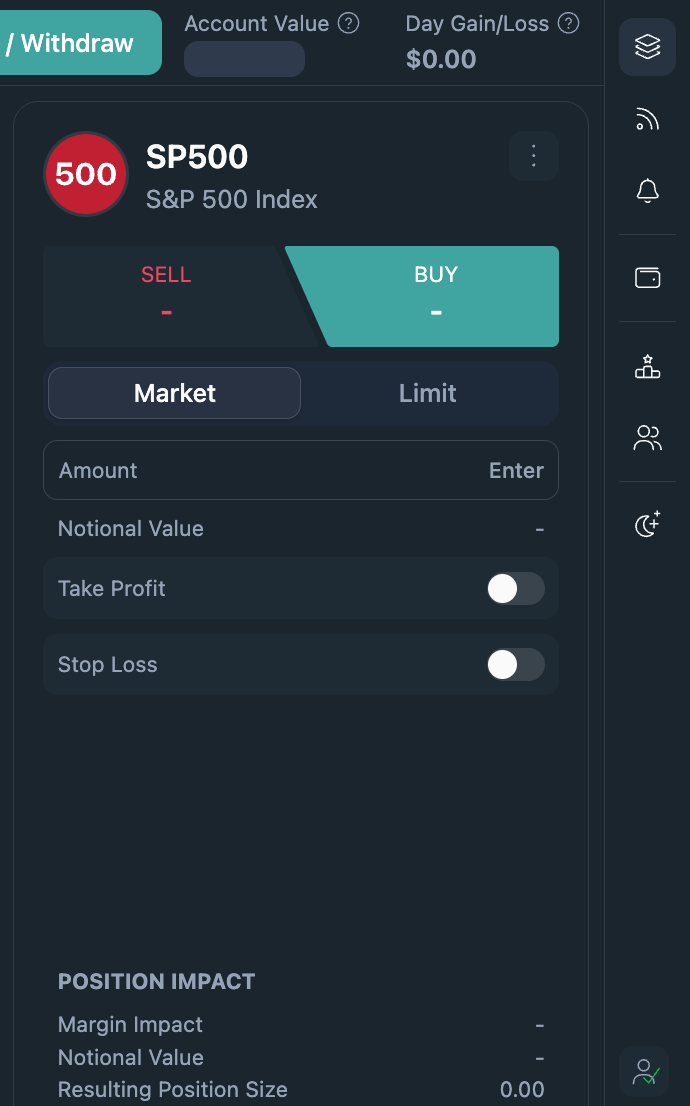
1. Sign in at [qfex.com](https://qfex.com) and select your profile in the bottom right corner.
   <Frame>
     <img src="https://mintcdn.com/qfex/LD0EtLtcrjzAI_0J/images/api_key/1.png?fit=max&auto=format&n=LD0EtLtcrjzAI_0J&q=85&s=33b5ace9fa054bfb6270adb08a37a0e1" style={{ borderRadius: "0.5rem", maxWidth: "300px", width: "100%" }} width="690" height="1106" data-path="images/api_key/1.png" />
   </Frame>

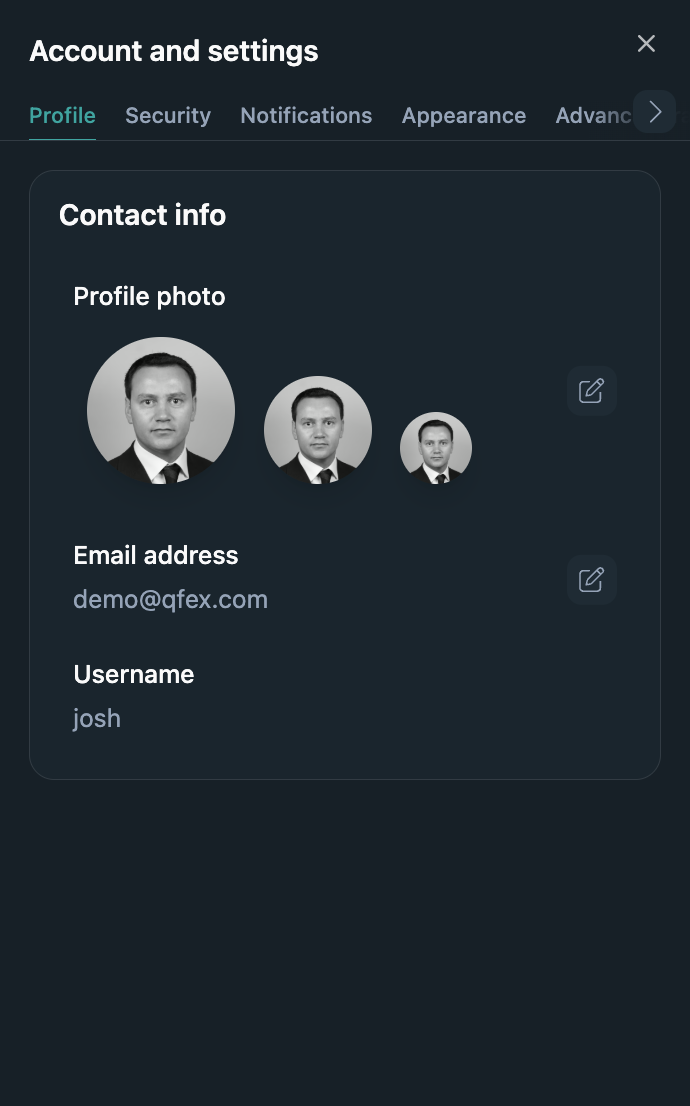
2. Navigate to **Developer Settings** via the carousel.
   <Frame>
     <img src="https://mintcdn.com/qfex/LD0EtLtcrjzAI_0J/images/api_key/2.png?fit=max&auto=format&n=LD0EtLtcrjzAI_0J&q=85&s=8d6618d0c17a0bf5b5dd78f1985b660f" style={{ borderRadius: "0.5rem", maxWidth: "300px", width: "100%" }} width="690" height="1106" data-path="images/api_key/2.png" />
   </Frame>

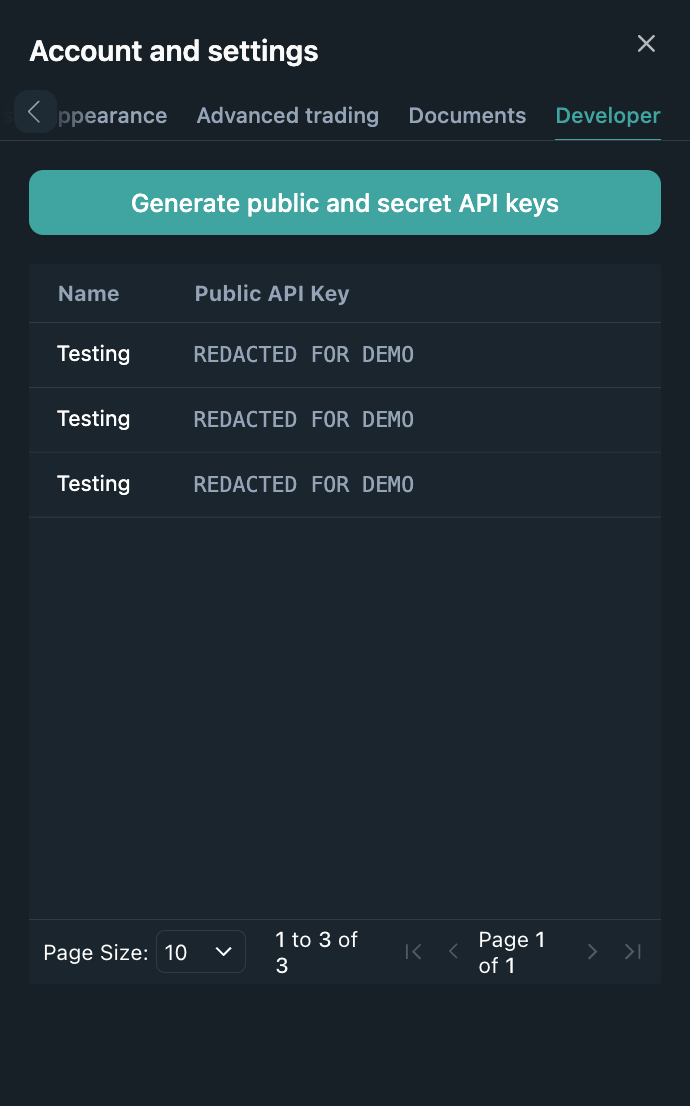
3. Click **Generate public and secret API Keys**.
   <Frame>
     <img src="https://mintcdn.com/qfex/LD0EtLtcrjzAI_0J/images/api_key/3.png?fit=max&auto=format&n=LD0EtLtcrjzAI_0J&q=85&s=1b7b5ab90e72d02f9bcfa133c03695db" style={{ borderRadius: "0.5rem", maxWidth: "300px", width: "100%" }} width="690" height="1106" data-path="images/api_key/3.png" />
   </Frame>

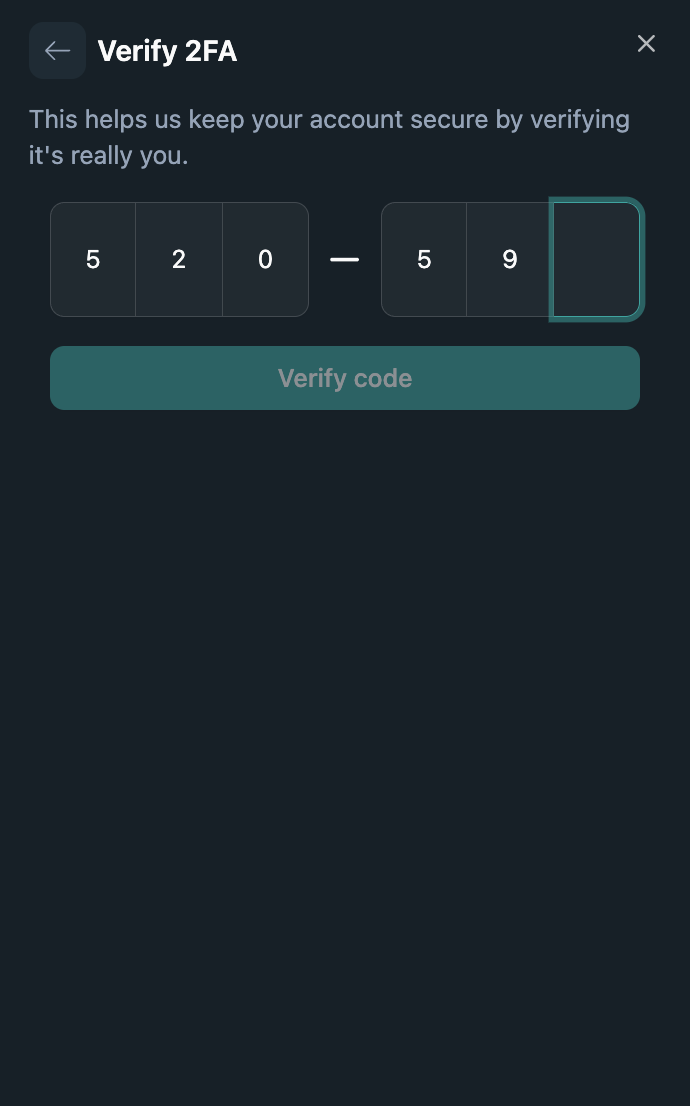
4. Ensure you have 2FA Enabled.

   <Frame>
     <img src="https://mintcdn.com/qfex/LD0EtLtcrjzAI_0J/images/api_key/4.png?fit=max&auto=format&n=LD0EtLtcrjzAI_0J&q=85&s=a8f712aee7ef85e4d78fd1abcbf14246" style={{ borderRadius: "0.5rem", maxWidth: "300px", width: "100%" }} width="690" height="1106" data-path="images/api_key/4.png" />
   </Frame>

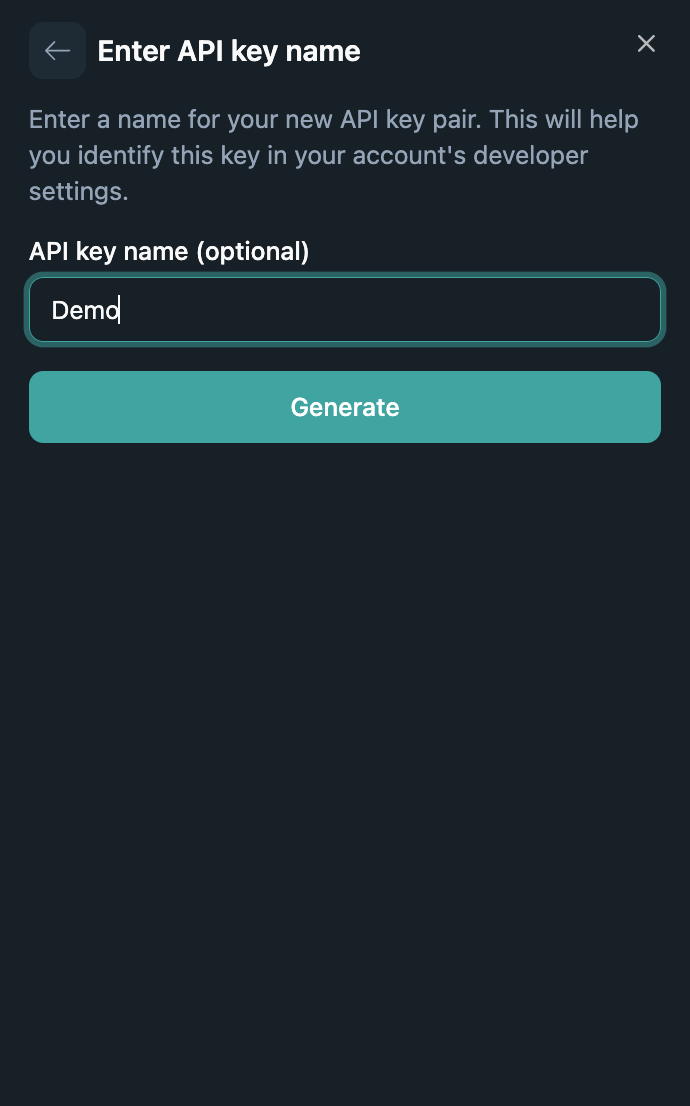
5. Provide a descriptive name, and confirm.
   <Frame>
     <img src="https://mintcdn.com/qfex/LD0EtLtcrjzAI_0J/images/api_key/5.png?fit=max&auto=format&n=LD0EtLtcrjzAI_0J&q=85&s=be500c5f1c214ca058bc919521272a23" style={{ borderRadius: "0.5rem", maxWidth: "300px", width: "100%" }} width="690" height="1106" data-path="images/api_key/5.png" />
   </Frame>

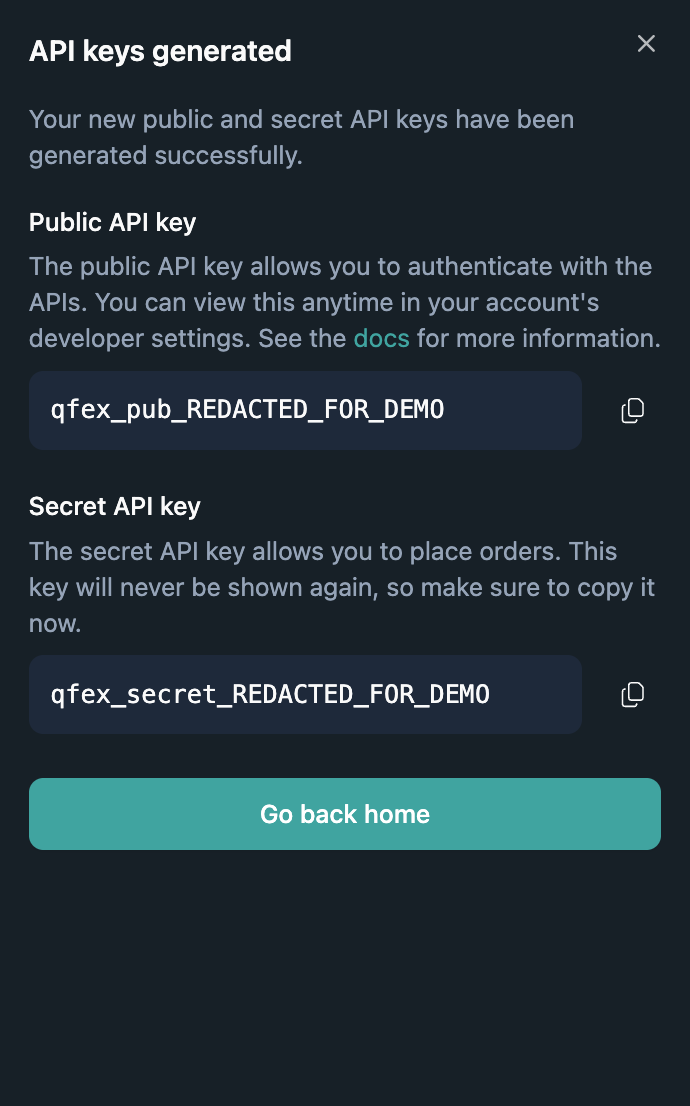
6. **Copy** the generated key and store it securely — it will only be shown once.
   <Frame>
     <img src="https://mintcdn.com/qfex/LD0EtLtcrjzAI_0J/images/api_key/6.png?fit=max&auto=format&n=LD0EtLtcrjzAI_0J&q=85&s=cca987090f4920ab4953b408c9d2392f" style={{ borderRadius: "0.5rem", maxWidth: "300px", width: "100%" }} width="690" height="1106" data-path="images/api_key/6.png" />
   </Frame>